“I design for complexity, from understanding fragmented legacy systems to creating scalable, human-centred product ecosystems.”

Designing for Complexity
From fragmented systems to scalable
digital experiences.
Nathan Kopp
Senior UX/UI / Product Designer
Portfolio: koppuxd.com
2024-2026
Lead/Senior UX/UI
Product Designer
UX strategy & product design
Design systems
Complex enterprise products
Information architecture
AI-assisted design & discovery
Cross-functional leadership
‘I specialise in turning complex business, technical and user requirements into clear, scalable digital experiences.’
Two projects. One design philosophy.
Different industries.
Same fundamental challenge: complexity.
Infomedia involved 142 reporting experiences, 30 enterprise tenants and 21 KPI modules, while Ramsay involved fragmented information architecture, multiple digital properties and the creation of a scalable Global Experience Language.
-
Enterprise SaaS
Legacy transformation
142 reports
30 tenants
Complex business rules
AI-assisted discovery
Scalable UX patterns
-
Healthcare / Digital
Digital transformation
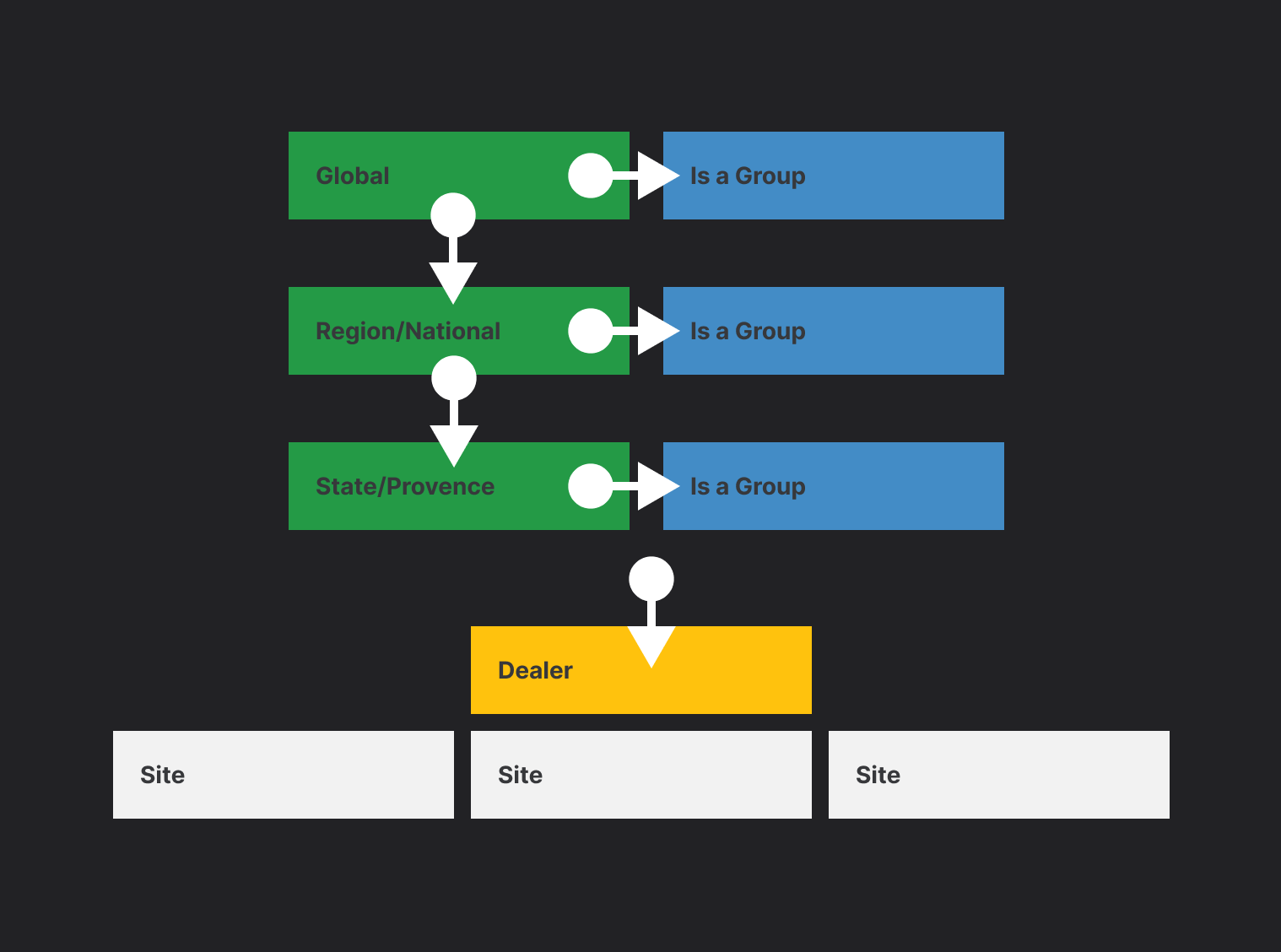
Multi-site ecosystem
Multiple digital touchpoints
Complex IA & content
Research & validation
Global design system

CASE STUDY 01 |
INFOMEDIA
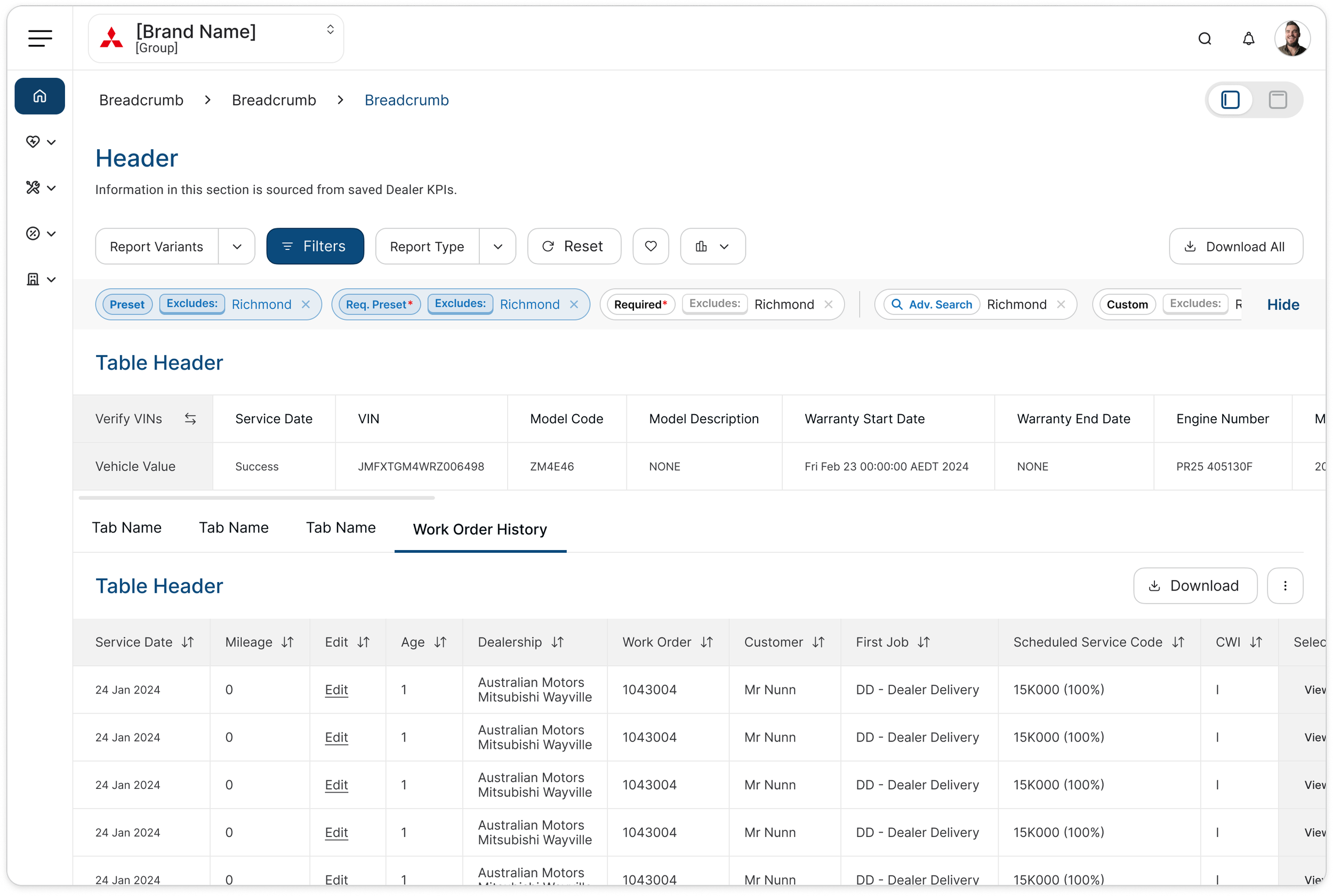
Infomedia: The challenge
Reverse engineering a legacy enterprise platform.
Years of undocumented business logic had become embedded in the product.
142
Reports| 30
Enterprise tenants| 21
KPI modules
The real
UX problem
Before designing, I had to understand the system.
Legacy UI → Business Rules → Tenant Variations →
User Workflows → UX Requirements
-
Different tenants had different configurations
Reports behaved differently
Calculations varied
Business rules were embedded in the software
Existing workflows couldn't simply be discarded
Engineering needed clearer behavioural requirements
Reverse Engineering Before Design
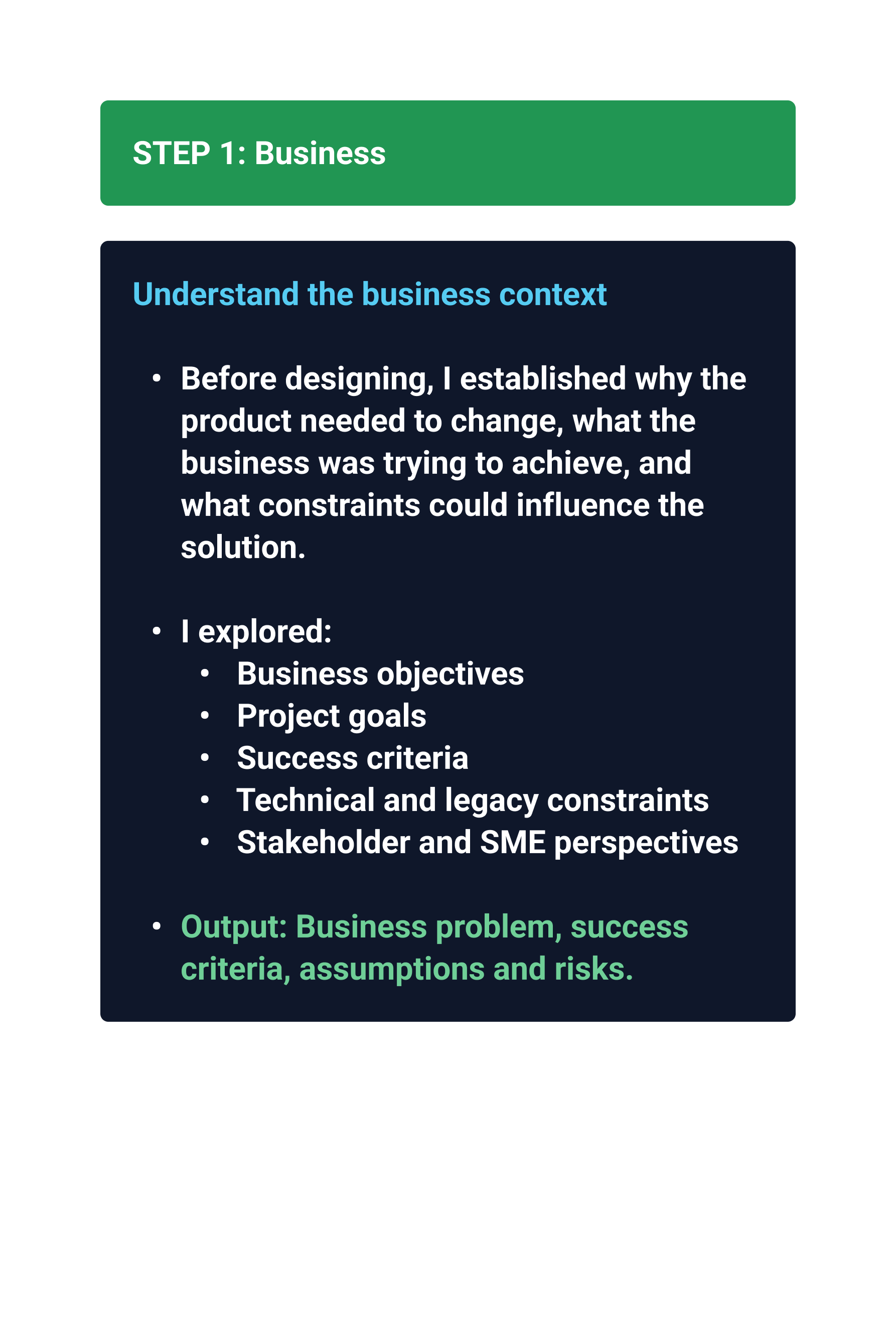
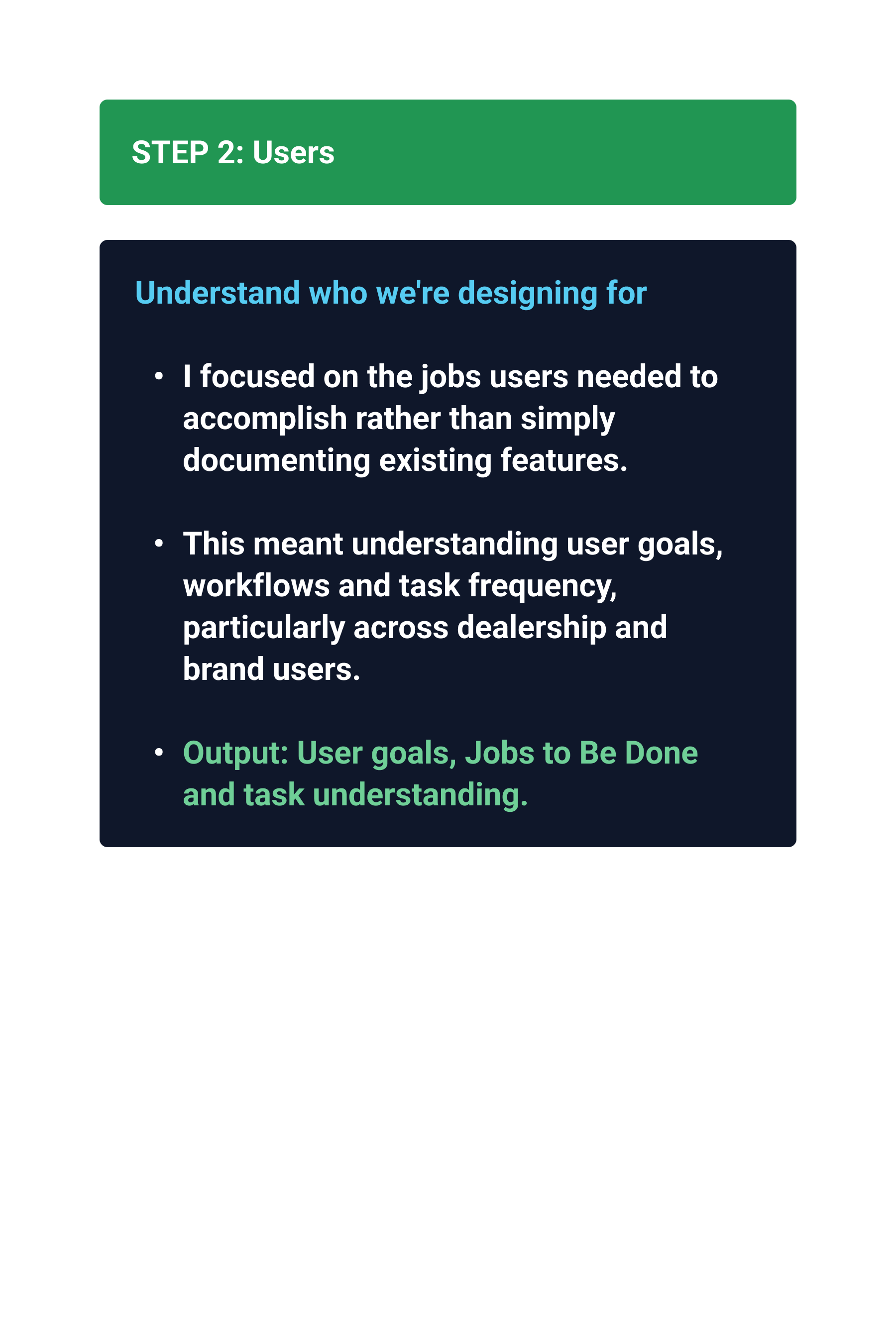
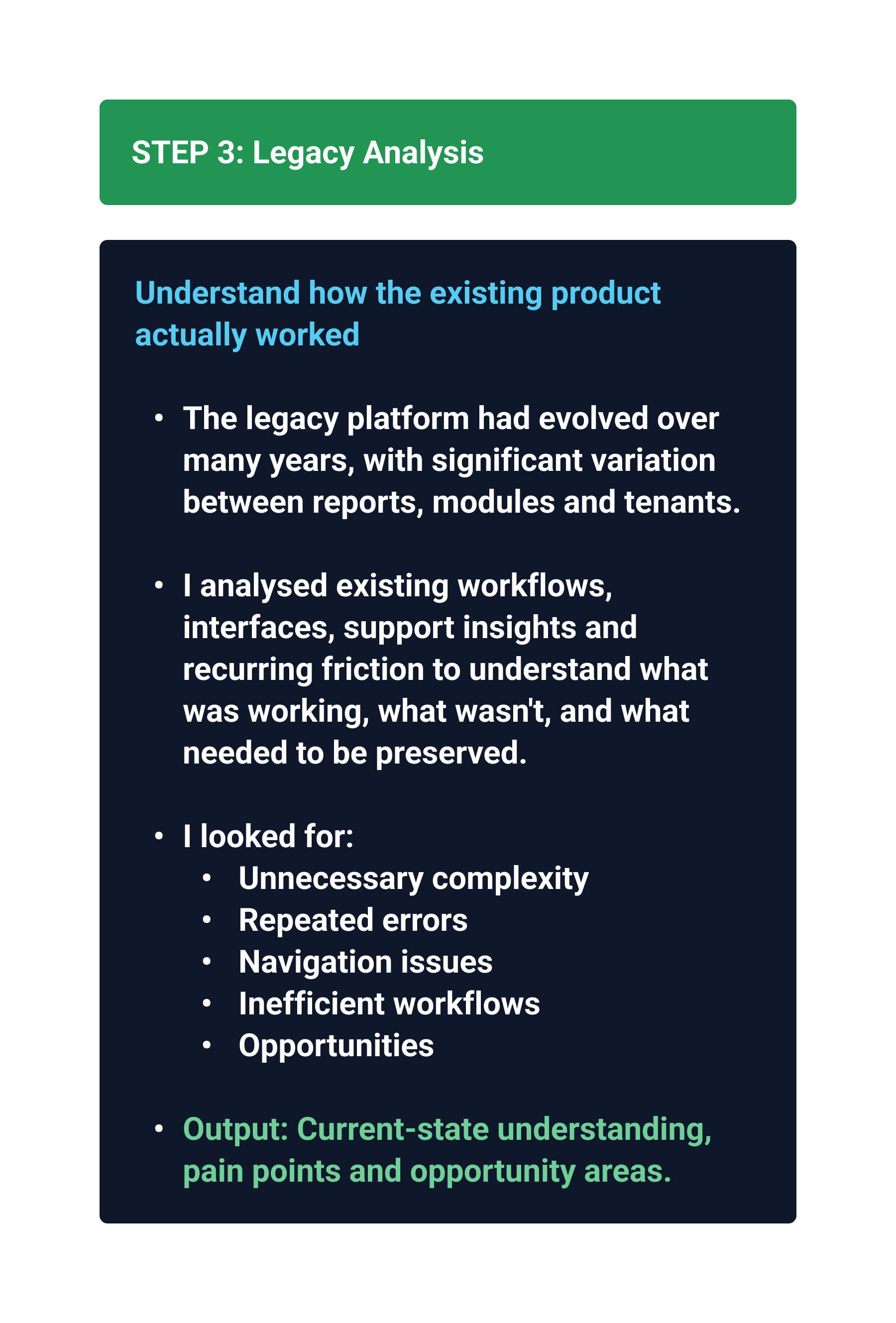
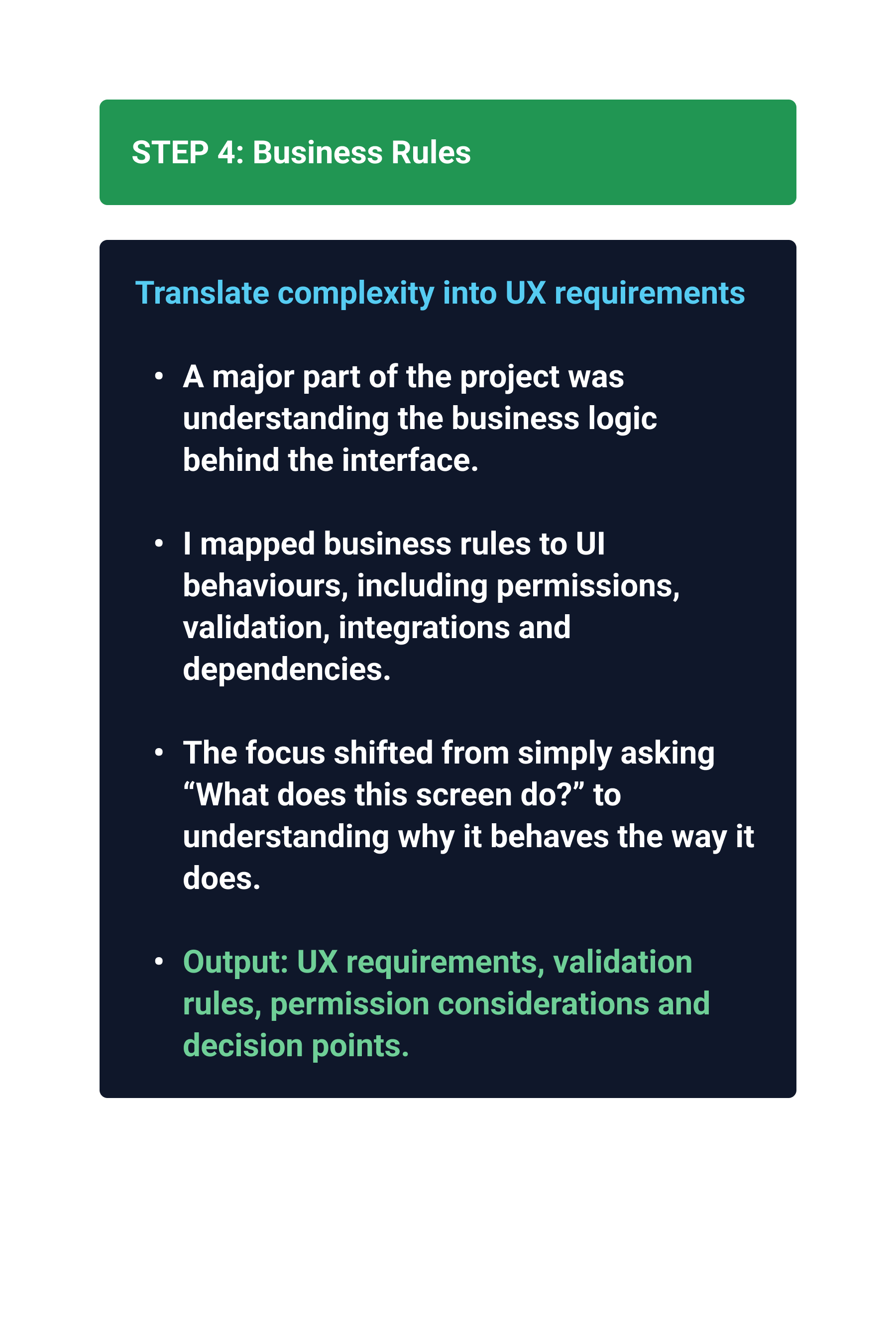
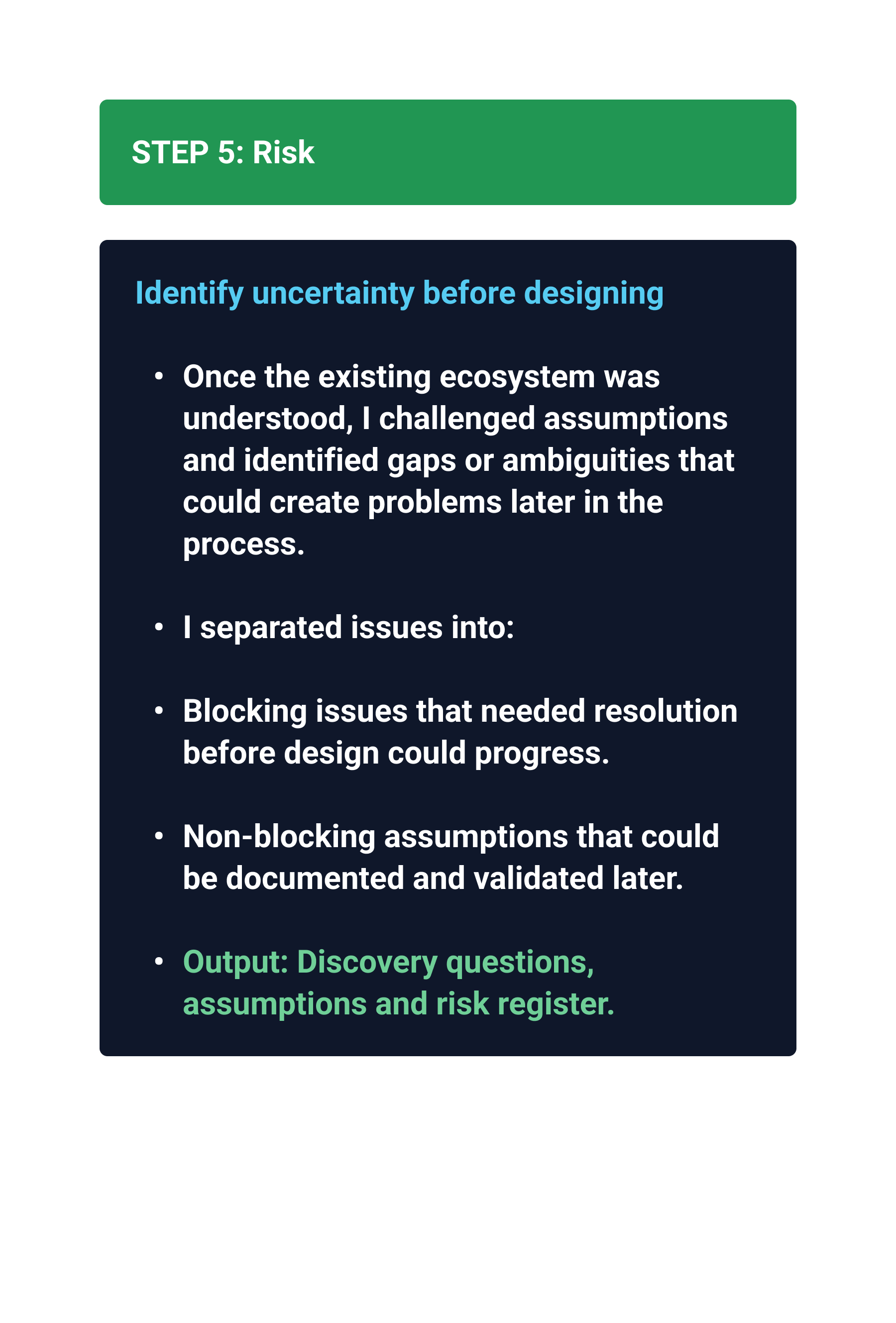
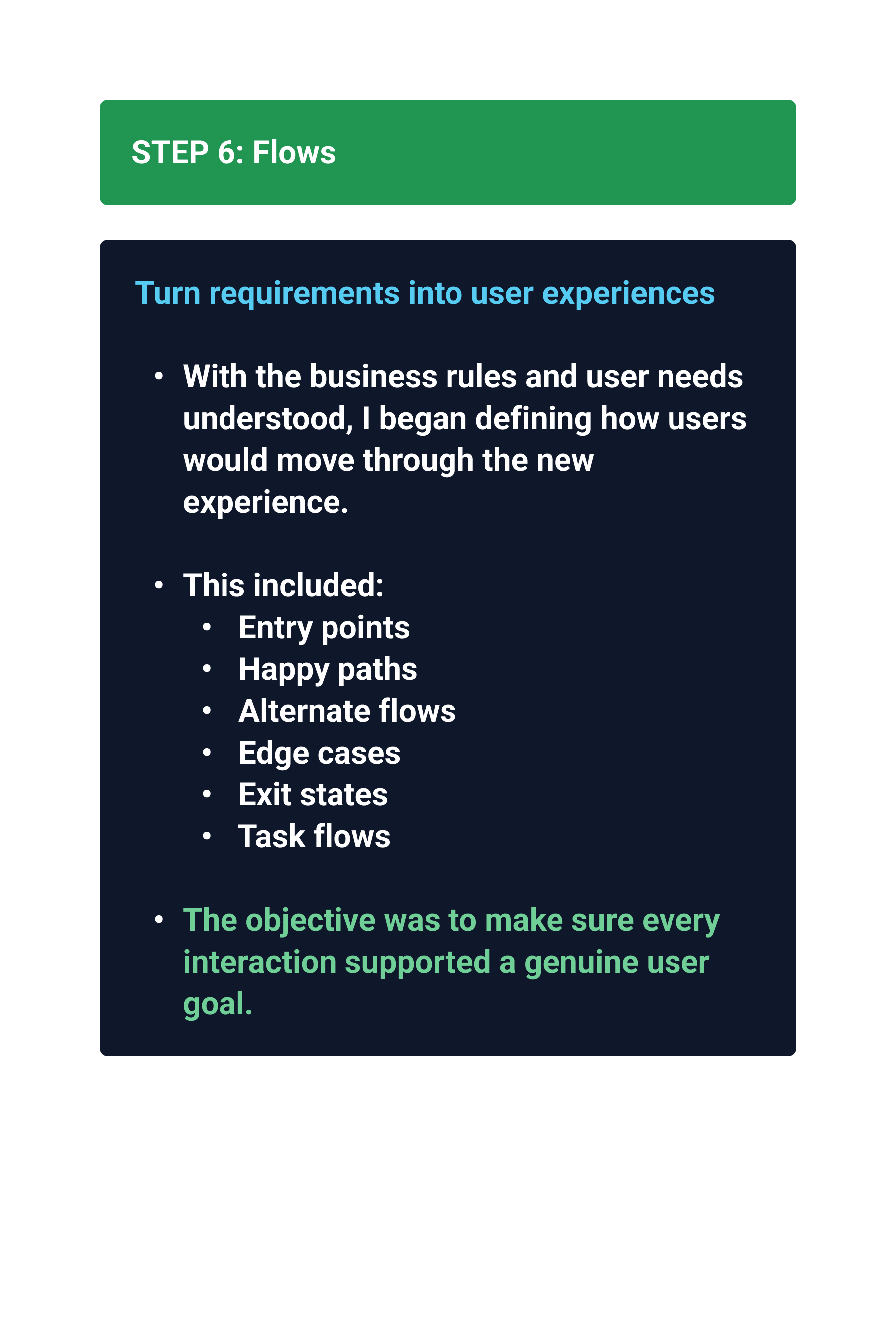
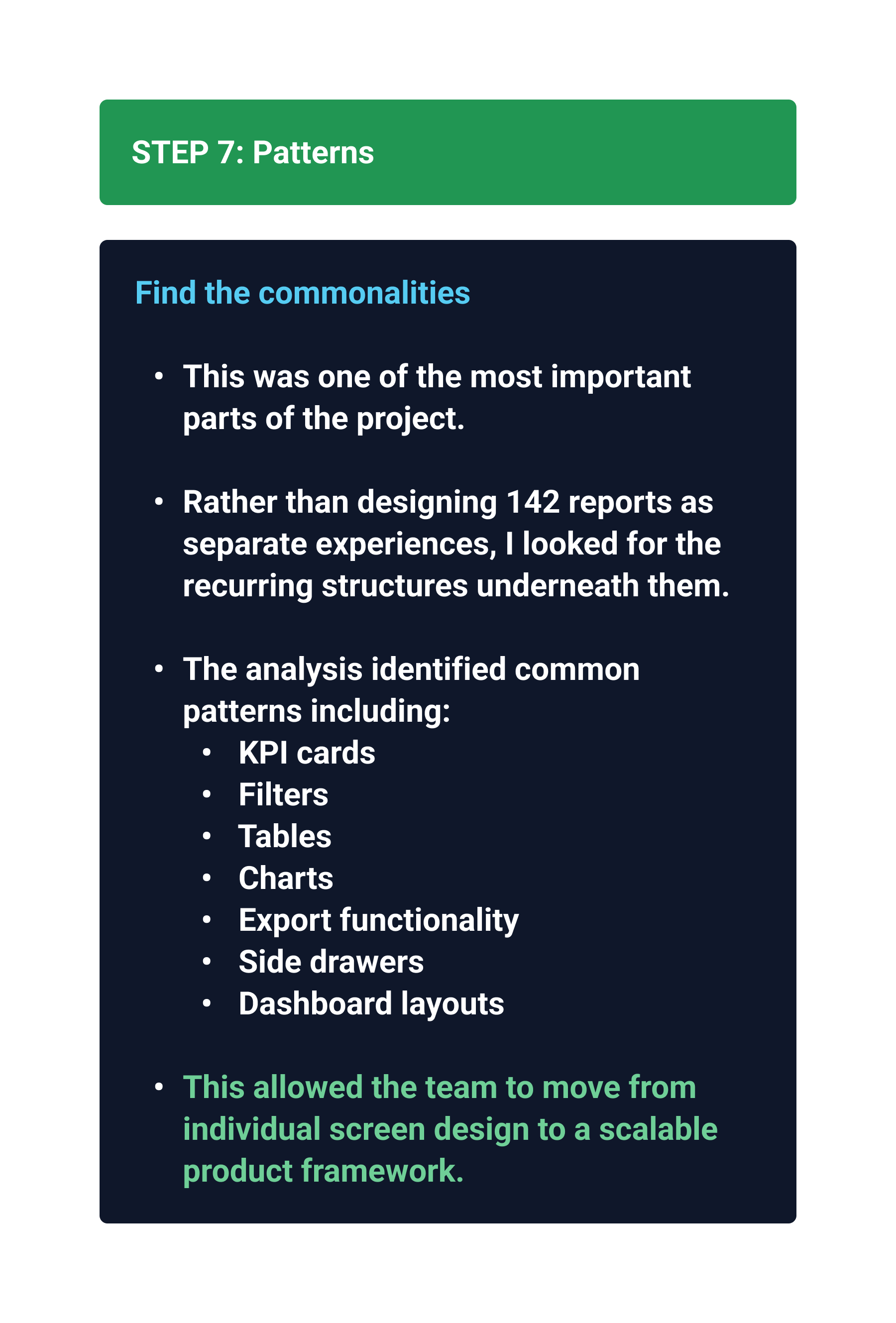
My approach
Reverse engineering → Pattern recognition →
System design
-
Existing workflows
Business rules
User goals
Legacy constraints
Tenant differences
-
Common interaction patterns
Variations
Dependencies
Risks
Reusable structures
-
UX patterns
Reporting framework
Components
Behavioural requirements
Design system alignment
Then introduce your AI work:
AI became a discovery accelerator, not a replacement for UX judgement.
From 142 screens
to a system
142 experiences
Common structures
Reusable patterns
Scalable framework
pattern Library
KPI cards
Tables
Filters
Charts
Side drawers
Dashboard layouts
Export actions
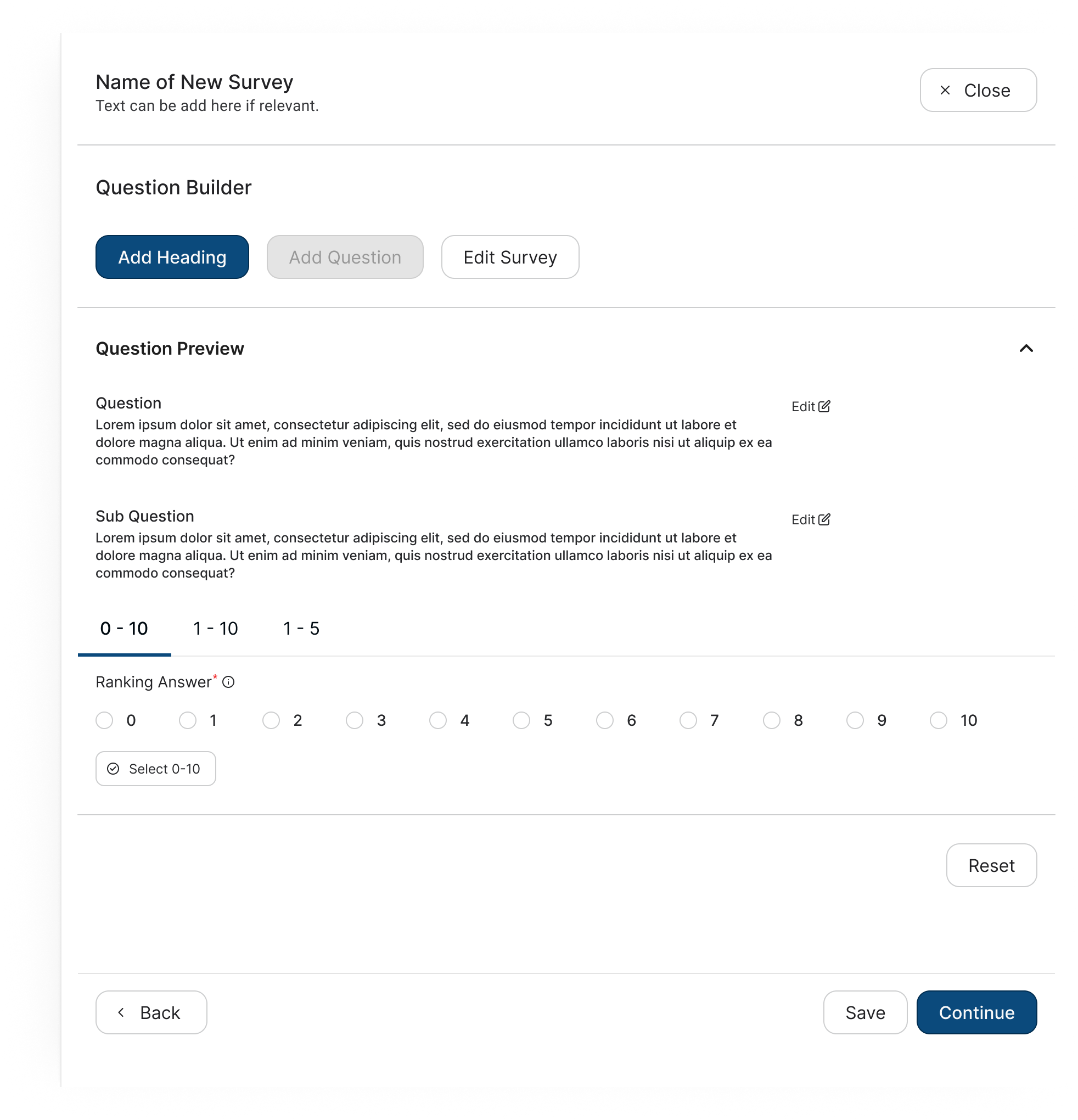
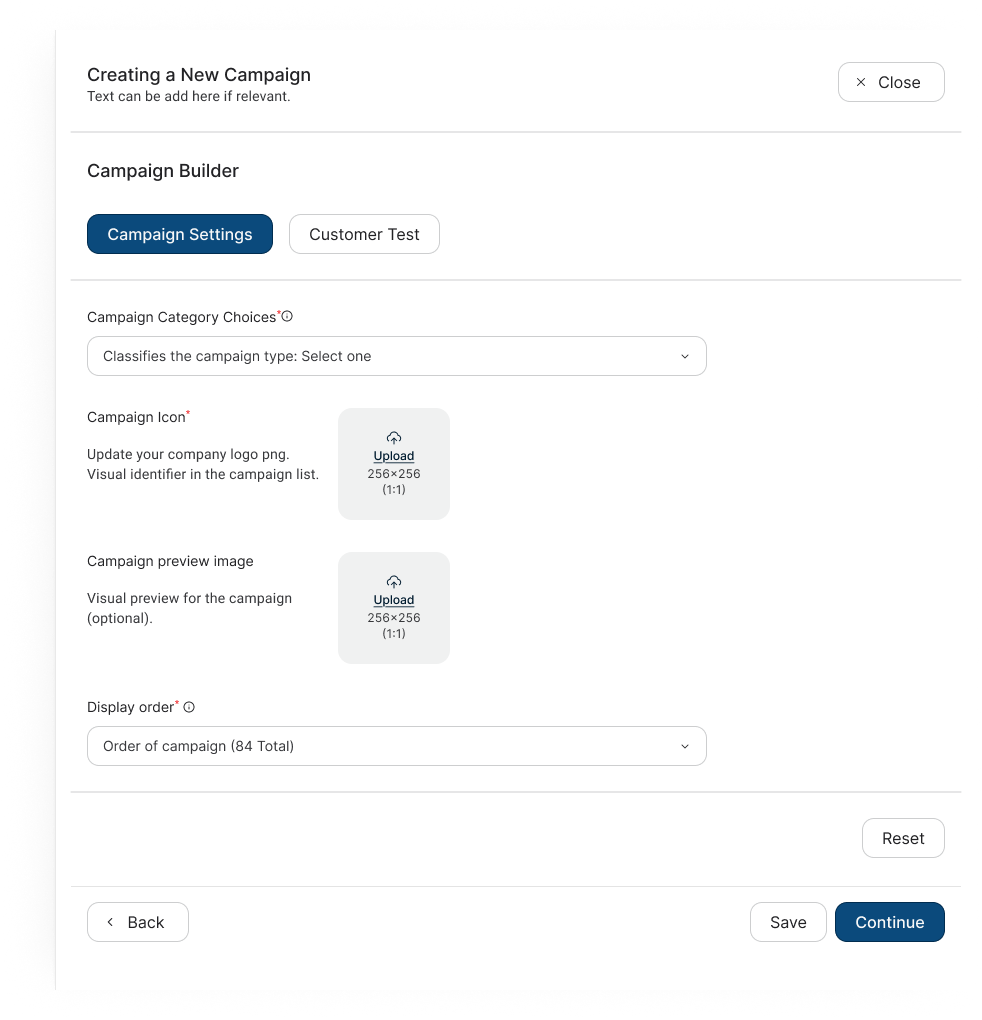
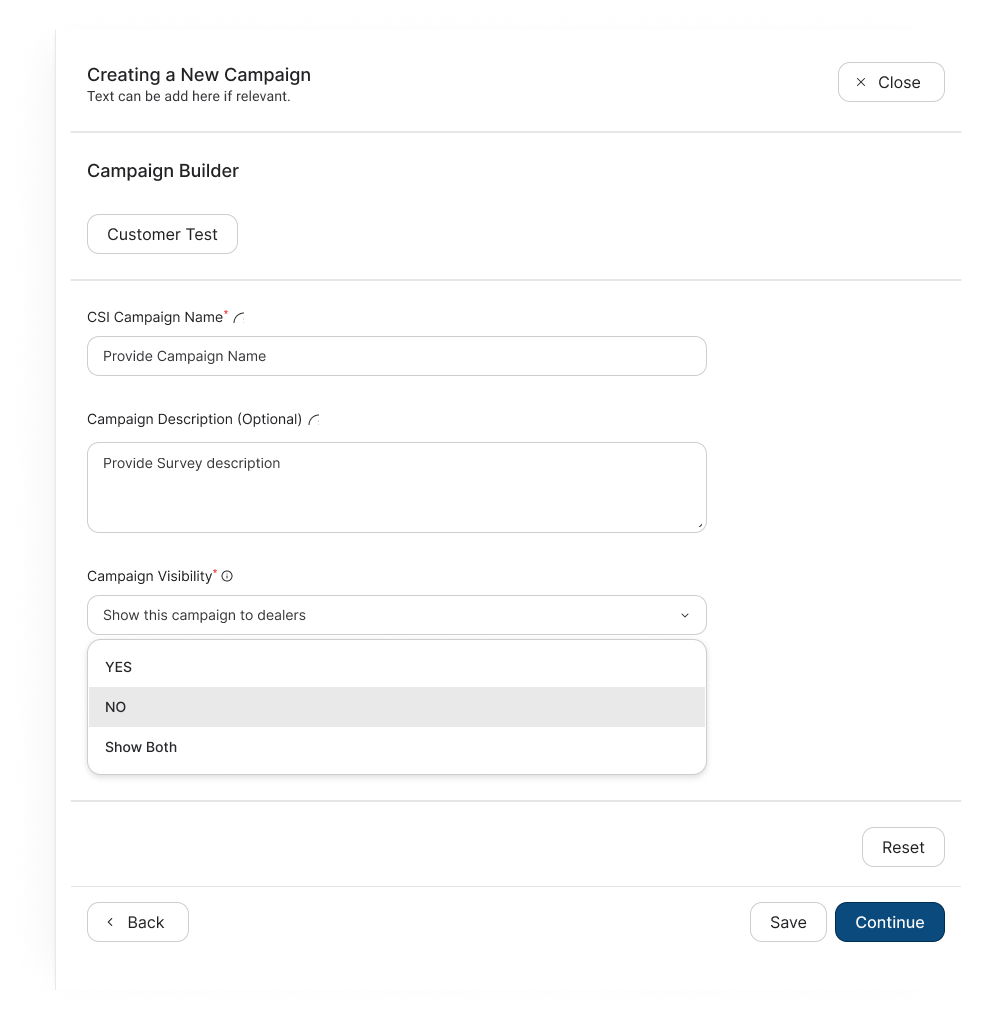
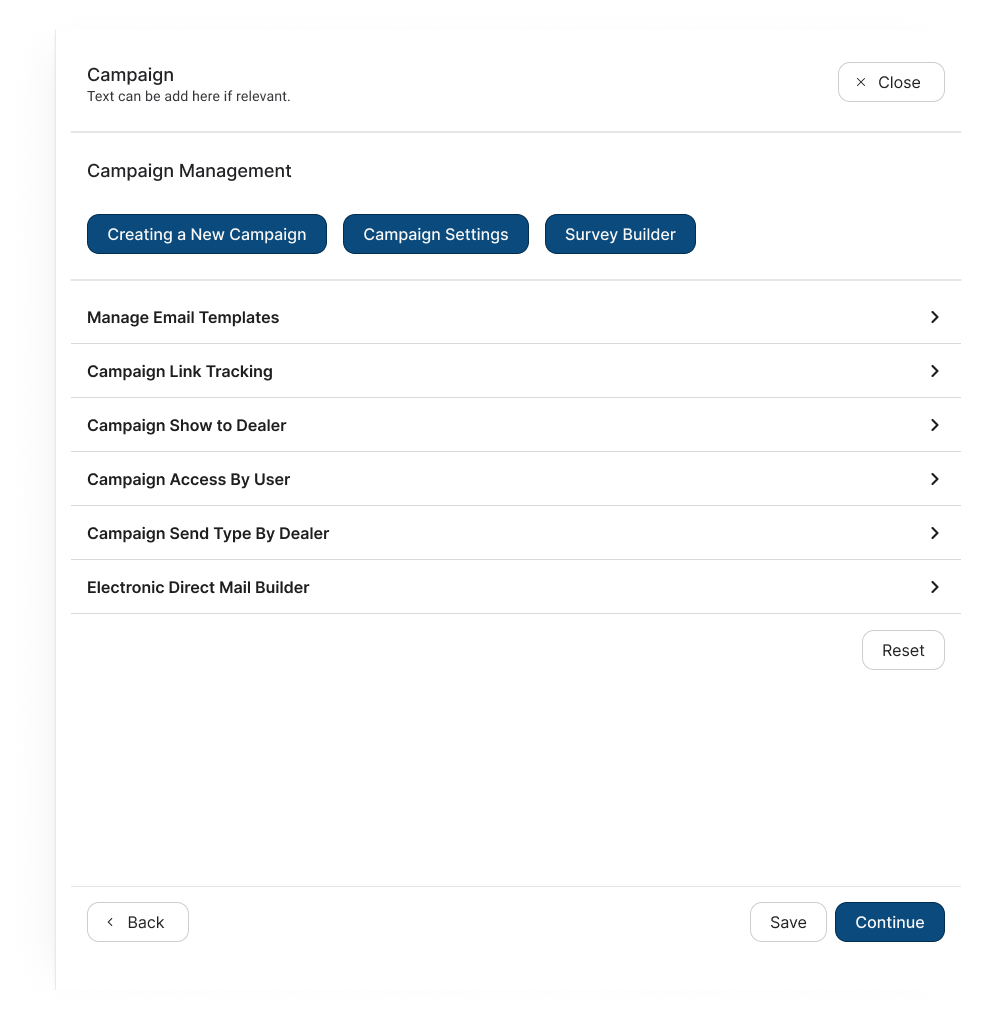
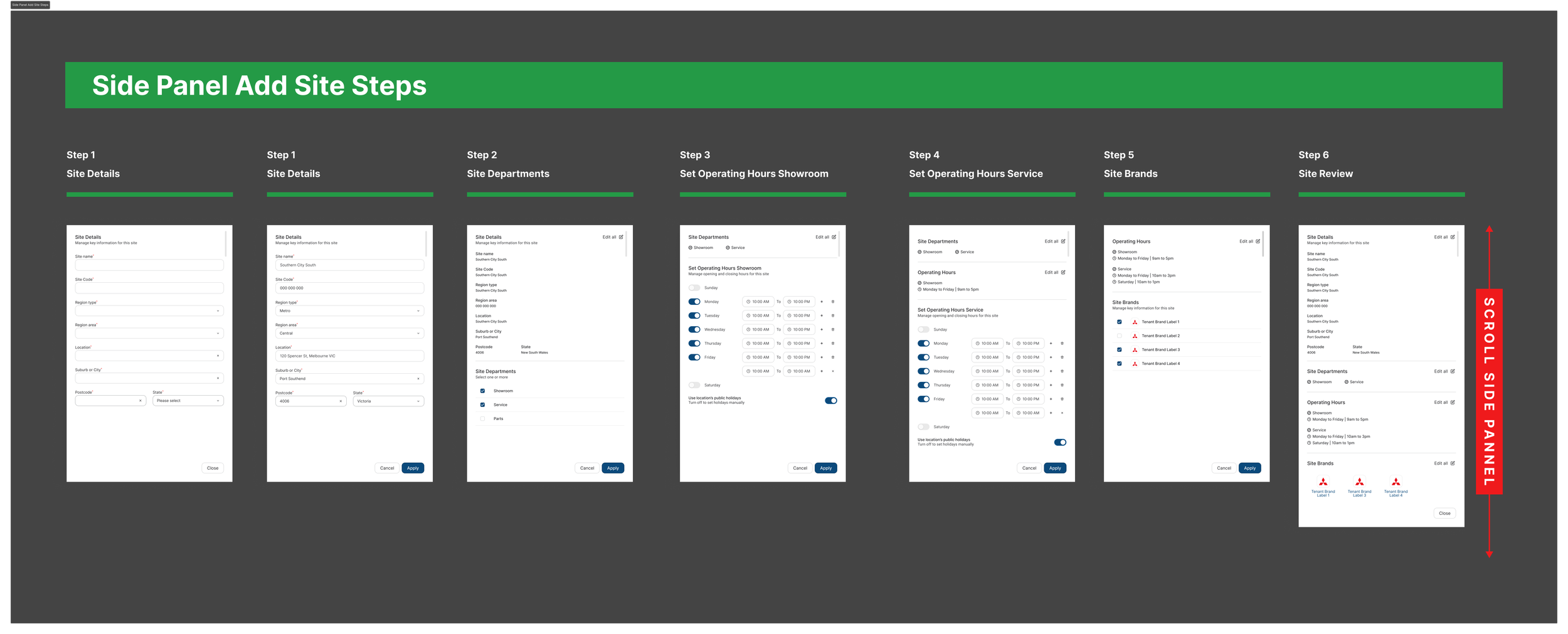

Before
Legacy Platform
Legacy platform
Fragmented
Inconsistent
Tenant-specific
Difficult to understand
Business logic hidden in UI
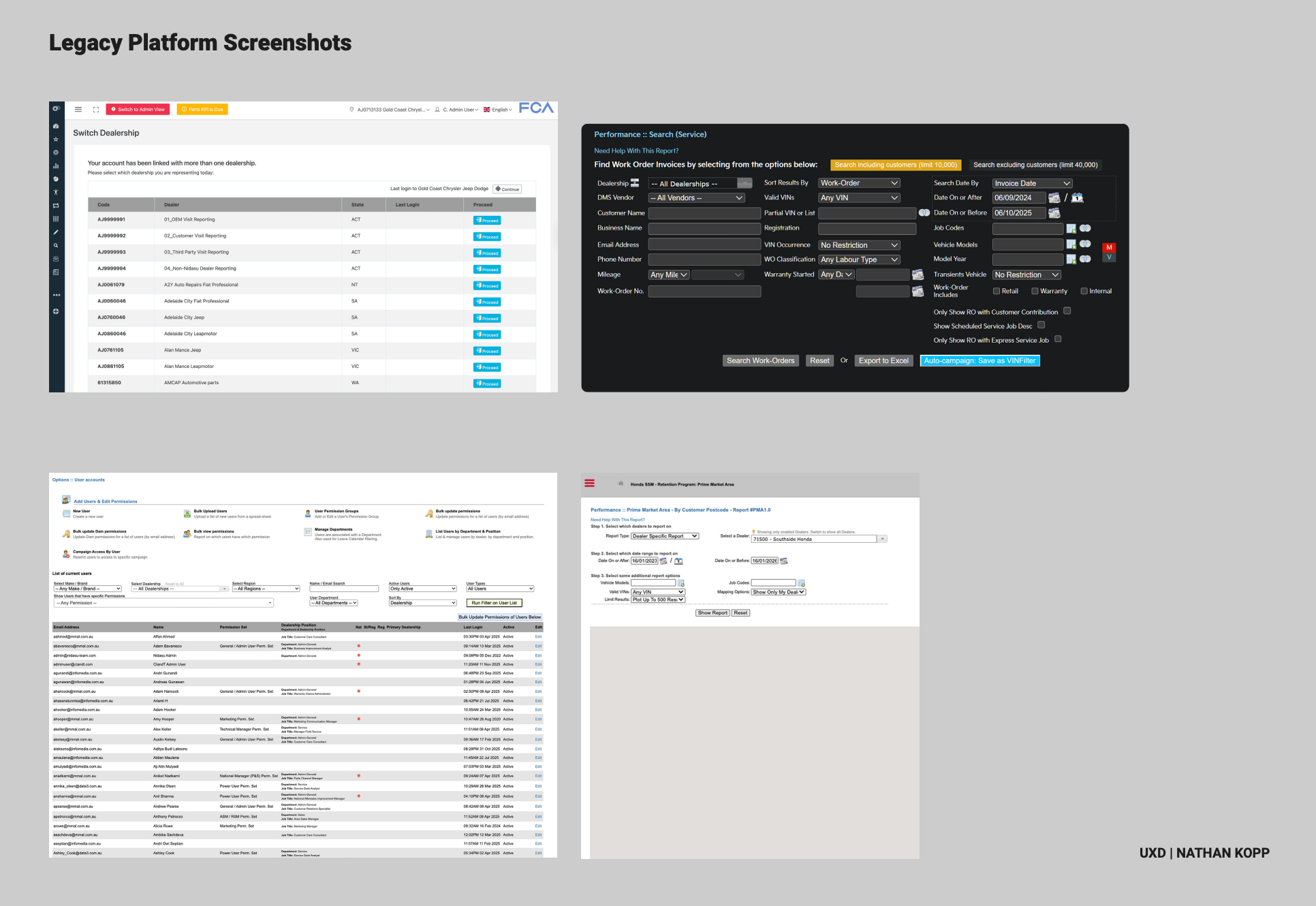
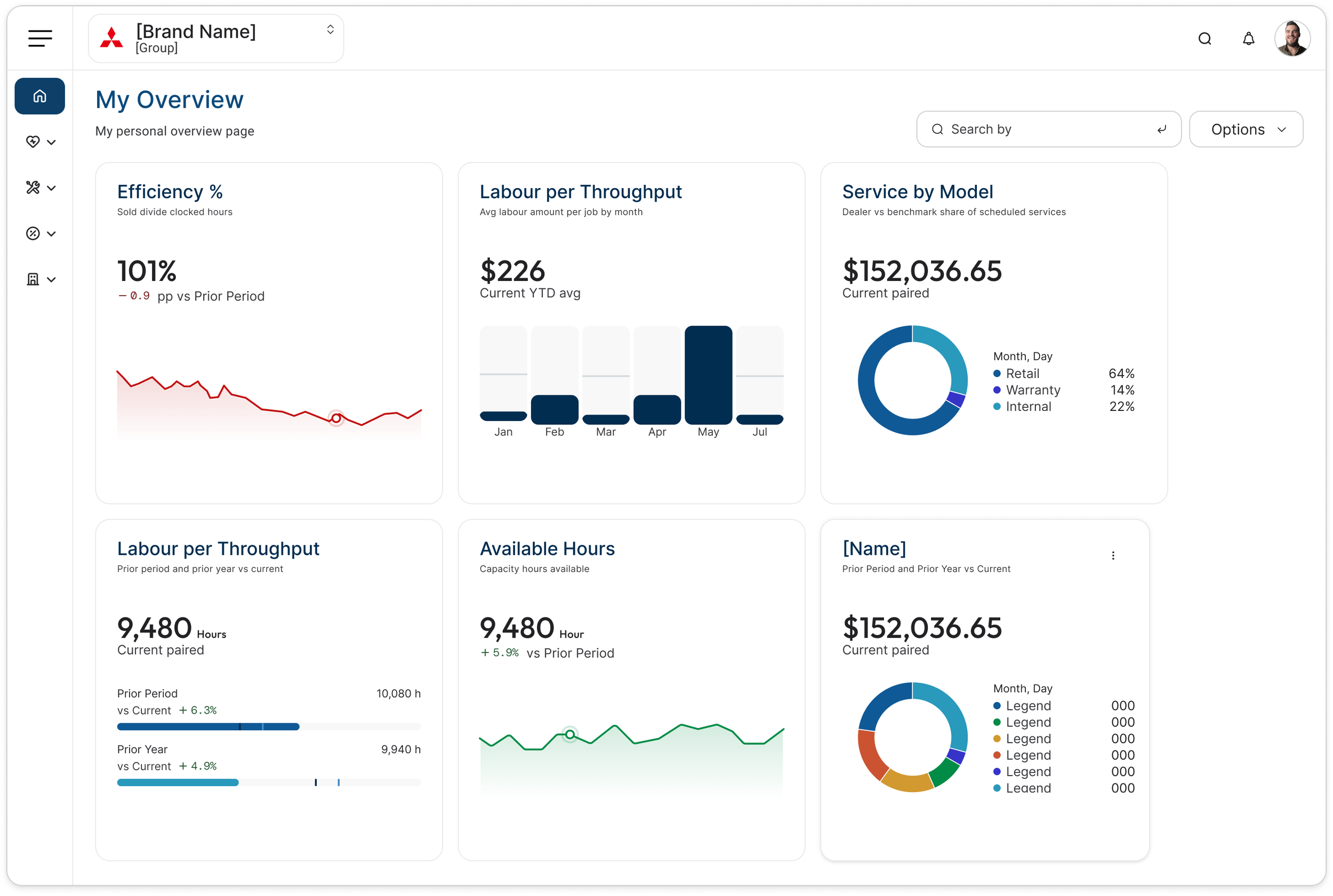
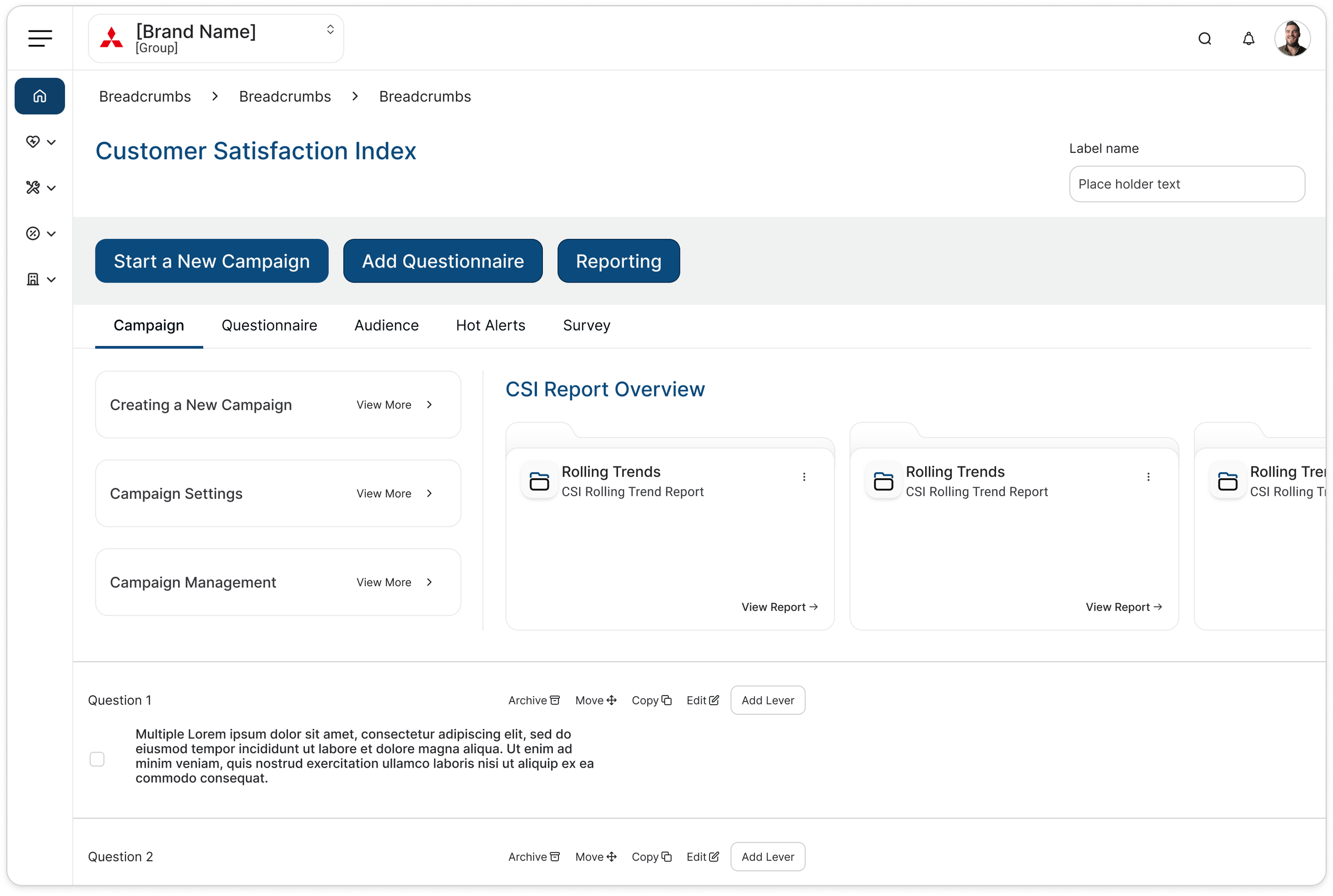
After
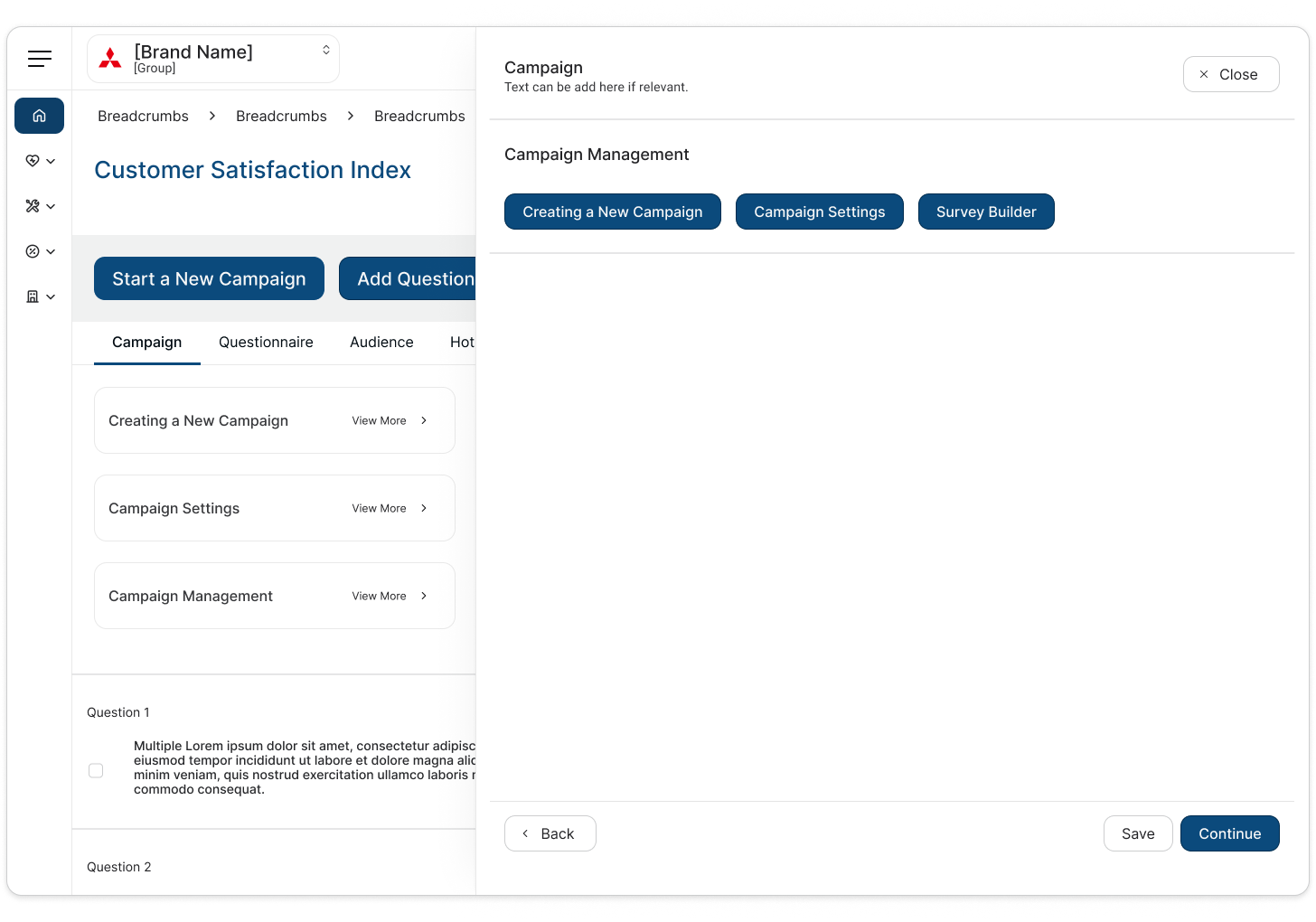
New Platform
Scalable product framework
Consistent interaction patterns
Reusable components
Clearer behaviours
Preserved business logic
Foundation for future modules
Infomedia:
What I learned
Three big lessons:
1. Understand before you simplify
You can't simplify a complex enterprise product without understanding why it's complex.
2. Patterns are more valuable than screens
The real design output wasn't 142 redesigned reports;
it was the framework underneath them.
3. AI is most powerful when paired with design judgement
AI helped accelerate analysis and discovery, but decisions still required UX reasoning, stakeholder knowledge and product understanding.
“Infomedia taught me how to make complexity scalable. Ramsay taught me how to make scale coherent.”
CASE STUDY 02 |
Ramsay Health Care
Lead Product Designer
Creating a unified digital experience across a fragmented ecosystem.
Across:
UX/UI
Product design
Research
IA
Design strategy
Design systems
Governance
User testing
The problem wasn't only visual
“The temptation would have been to redesign the website. Instead, we needed to redesign the system behind the website.”
-
→ Users struggle to find information
-
→ Experience feels fragmented
-
→ Teams create inconsistently
-
→ Users work harder
-
→ Every change costs more
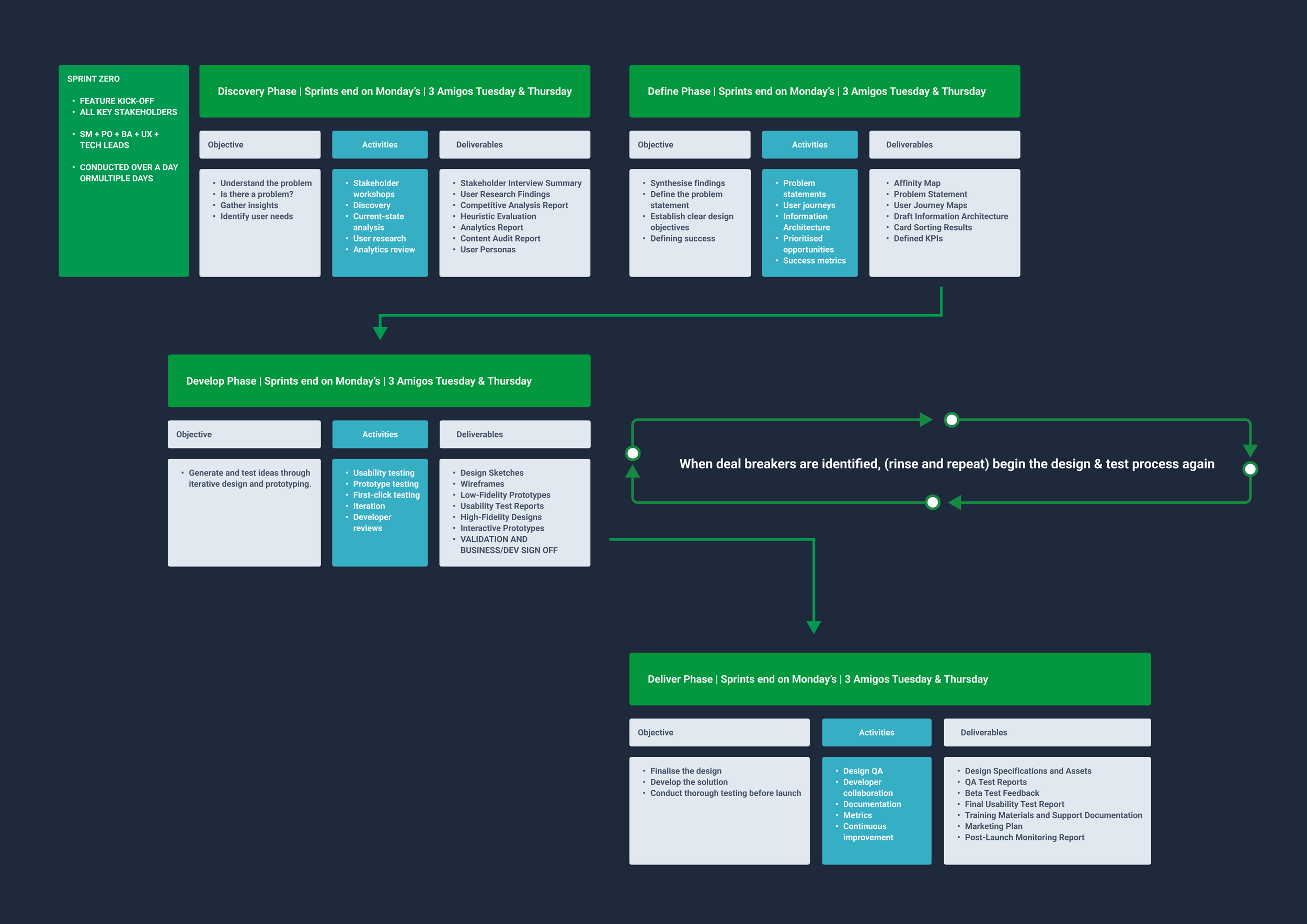
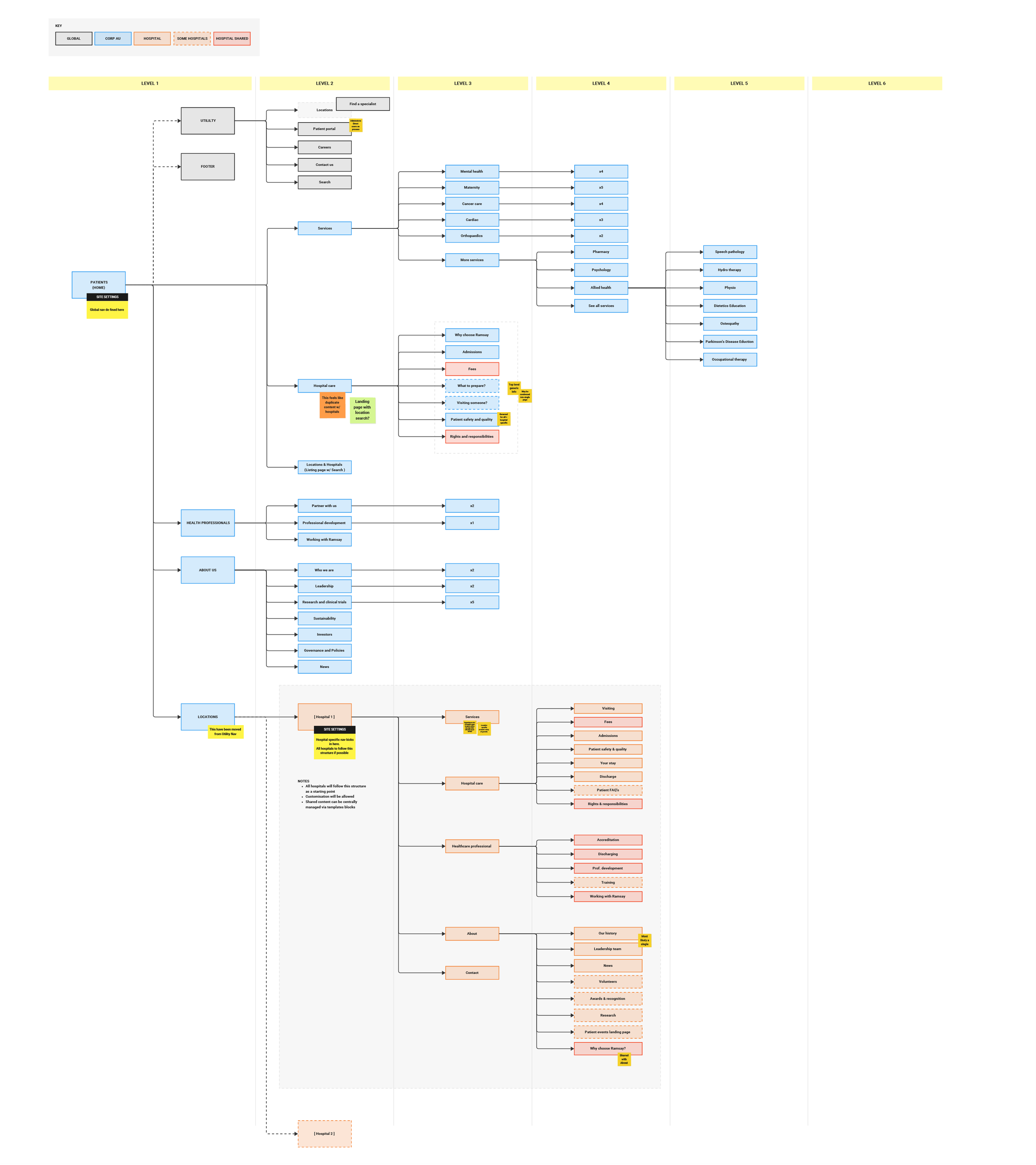
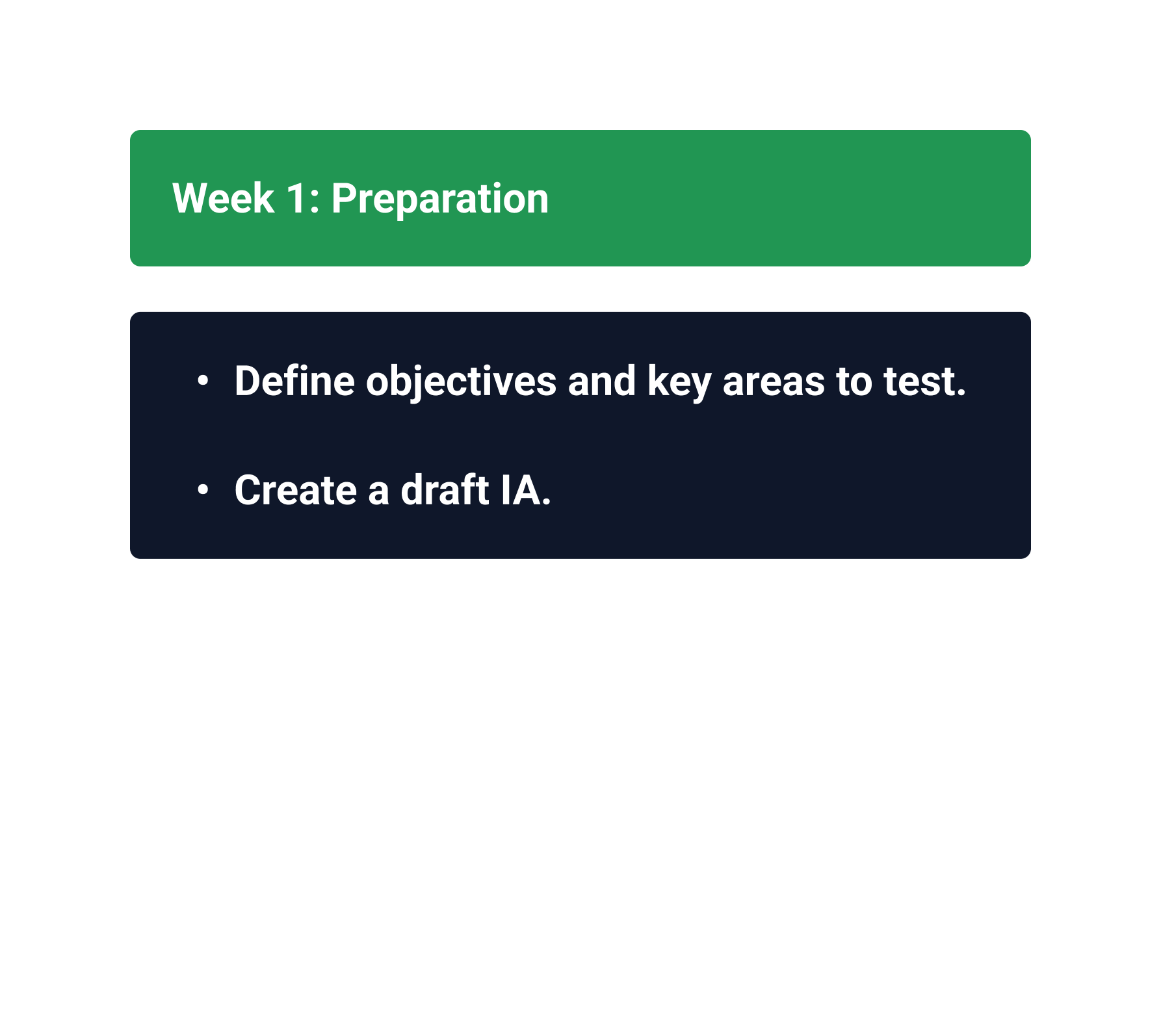
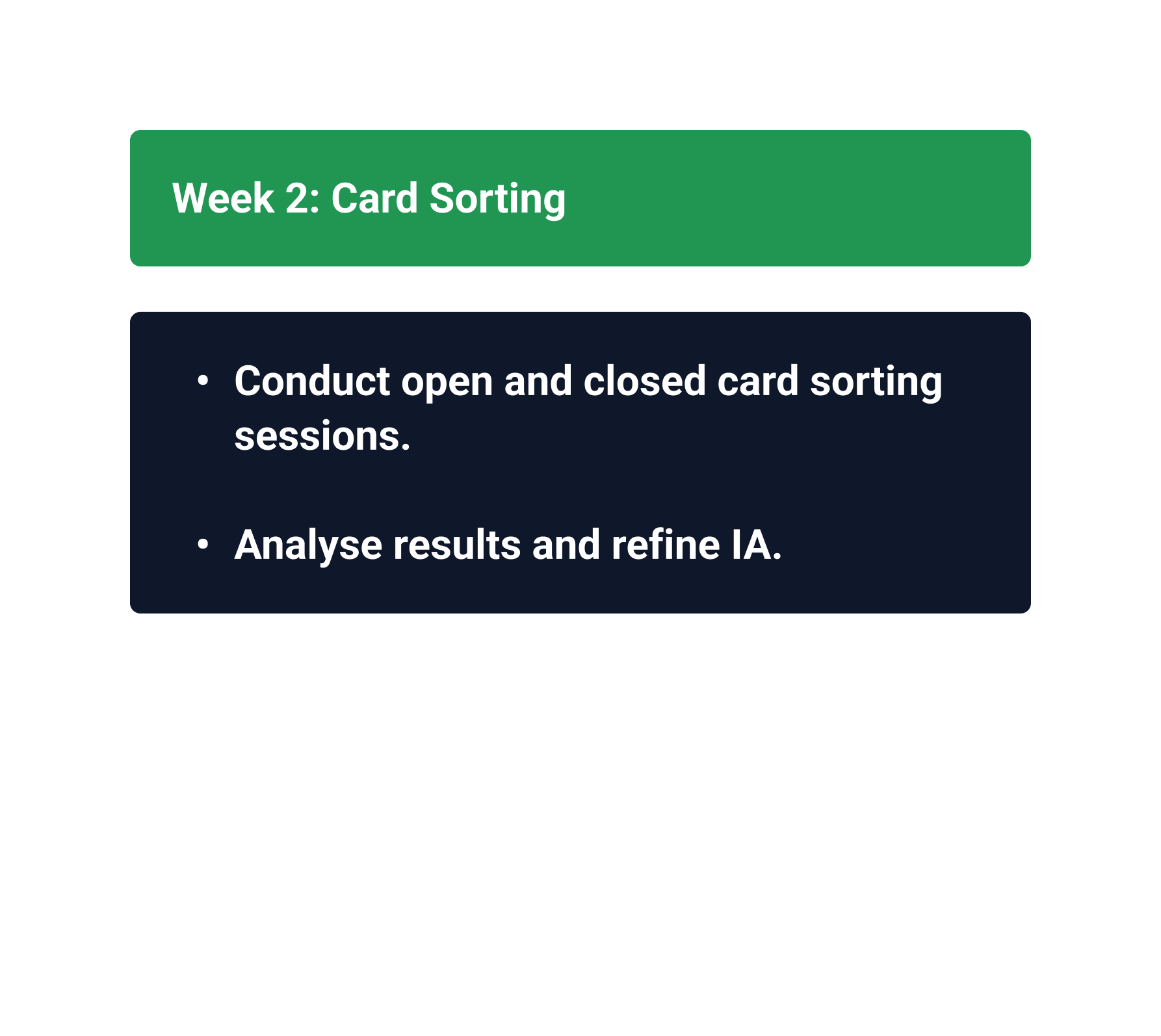
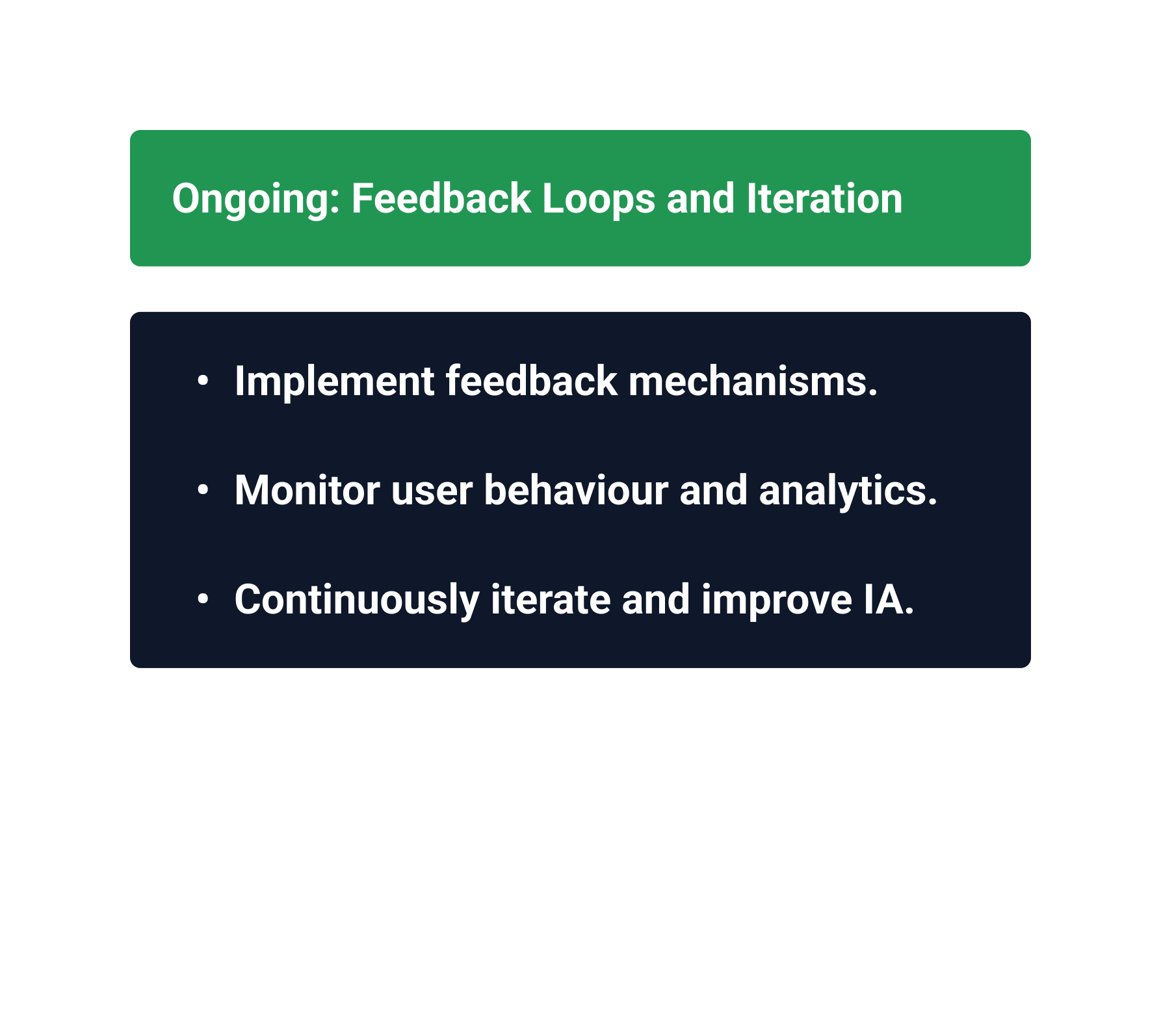
Information Architecture first
Structure before surface.
Understand business objectives
Identify priority user journeys
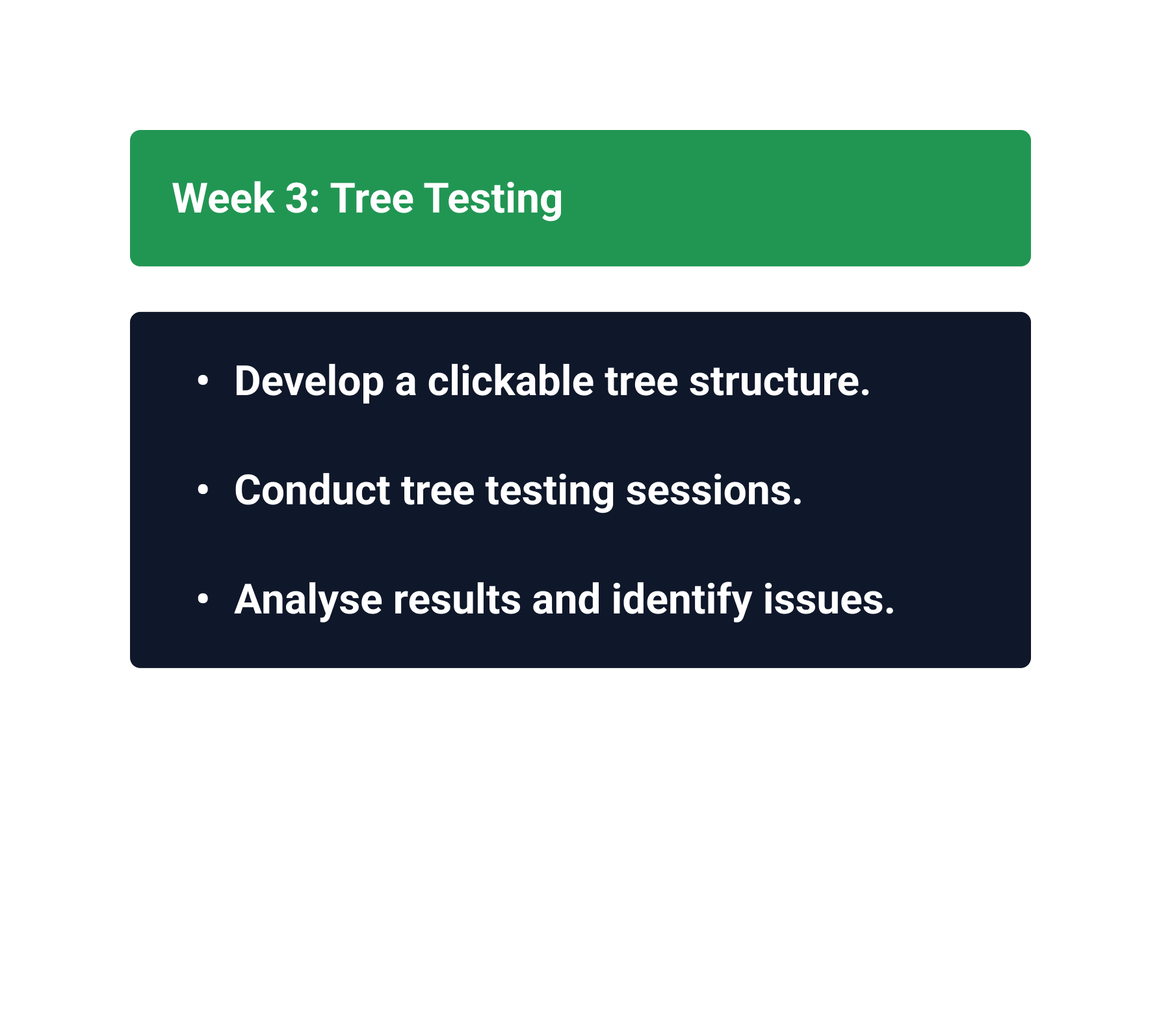
Audit existing content
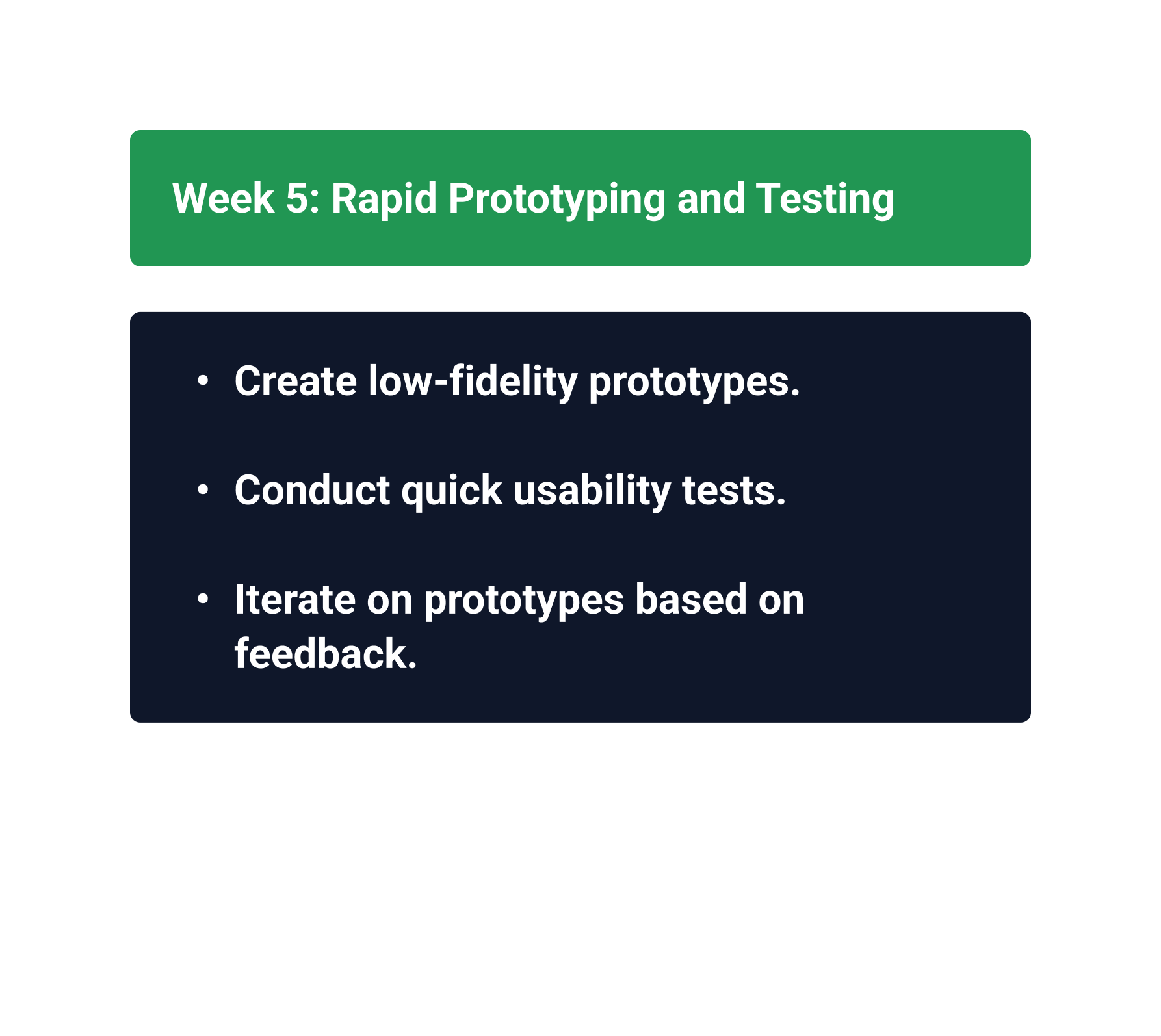
Redesign IA
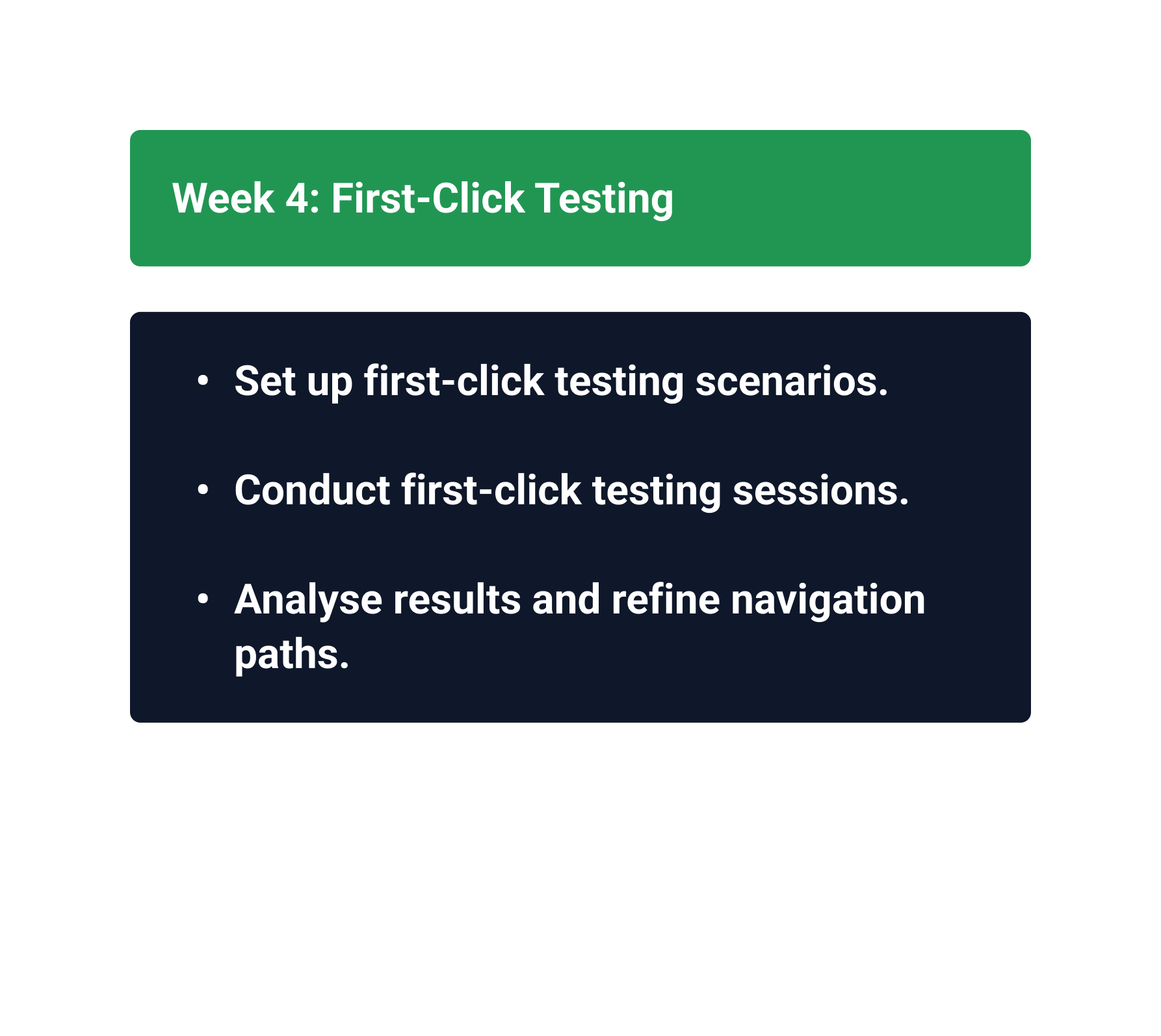
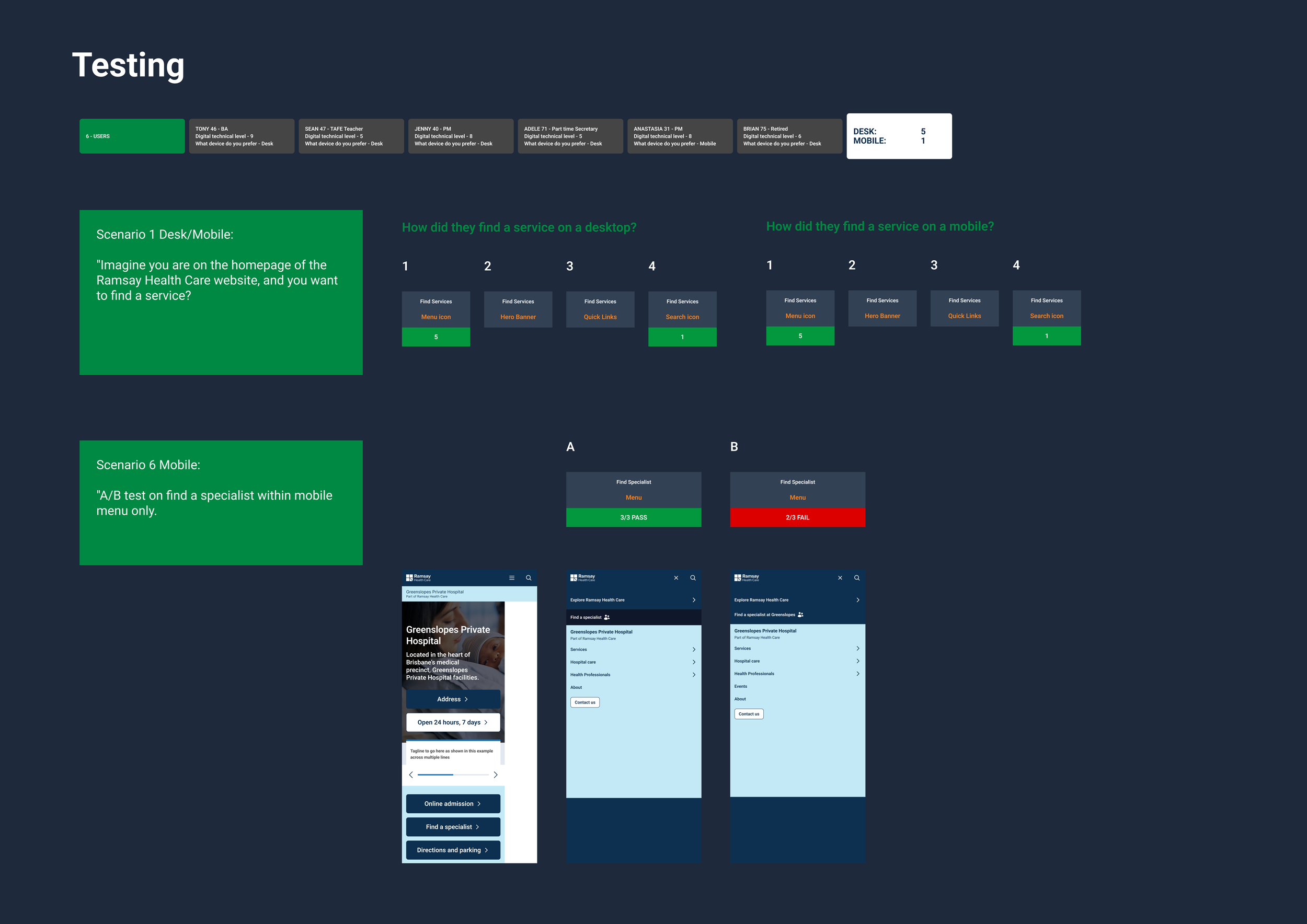
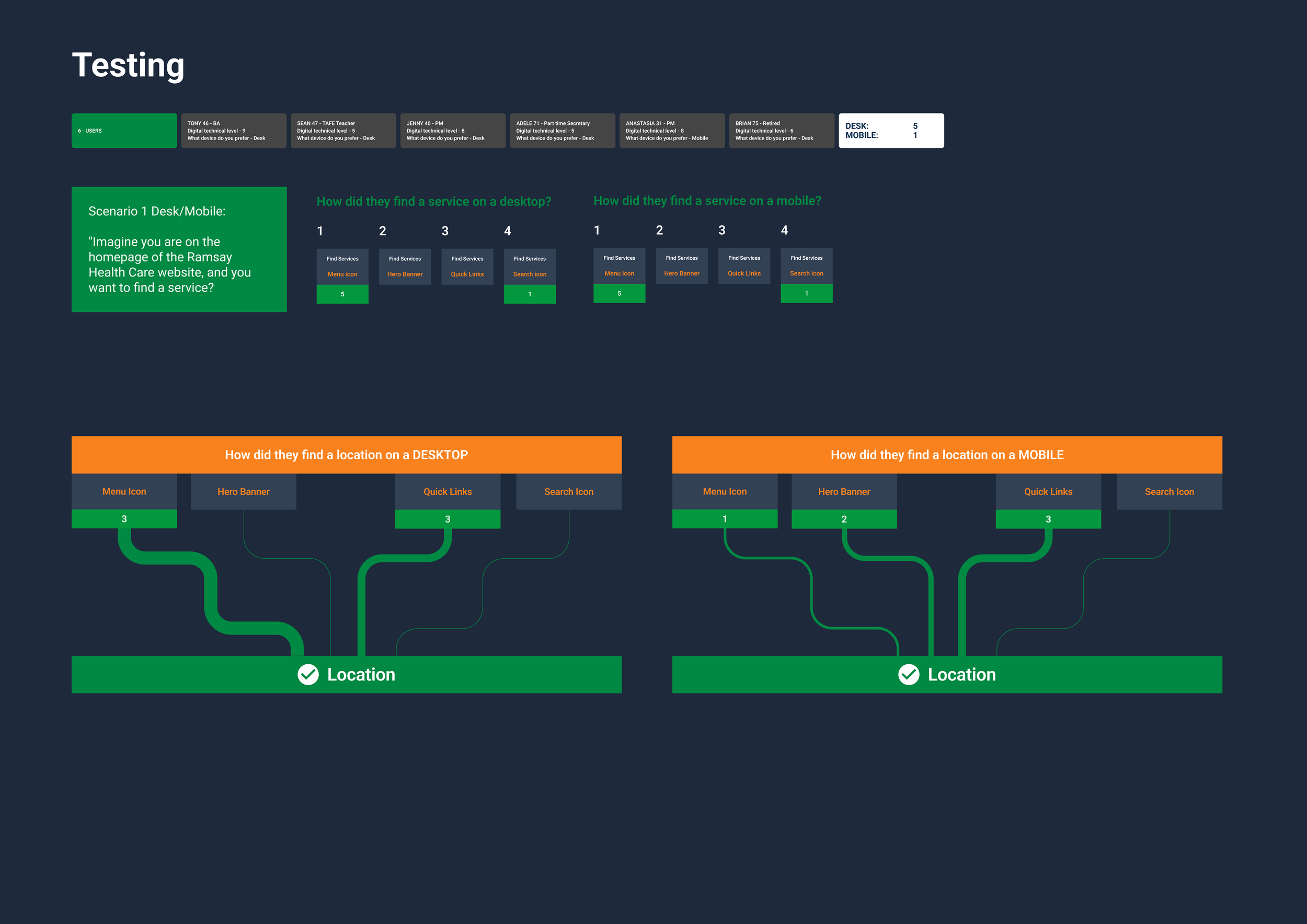
Test terminology and findability
Validate navigation
Then move into visual design
-
Find a hospital
Find a specialist
Find a service
Book an appointment
Understand treatment
Find quality & safety information
Information Architecture first
From brand to design system
Turning a brand into a digital system:
Brand
↓ Design foundations
↓ Tokens
↓ Components
↓ Patterns
↓ Templates
↓ Experiences
↓ Governance
Designing for scale
Three pillars:
A design system isn't a library of components. It's a way of making better decisions repeatedly.
-
Shared components, patterns and interaction models.
-
Local teams could adapt experiences without breaking the system.
-
Documentation, contribution models, naming, accessibility and design reviews.